

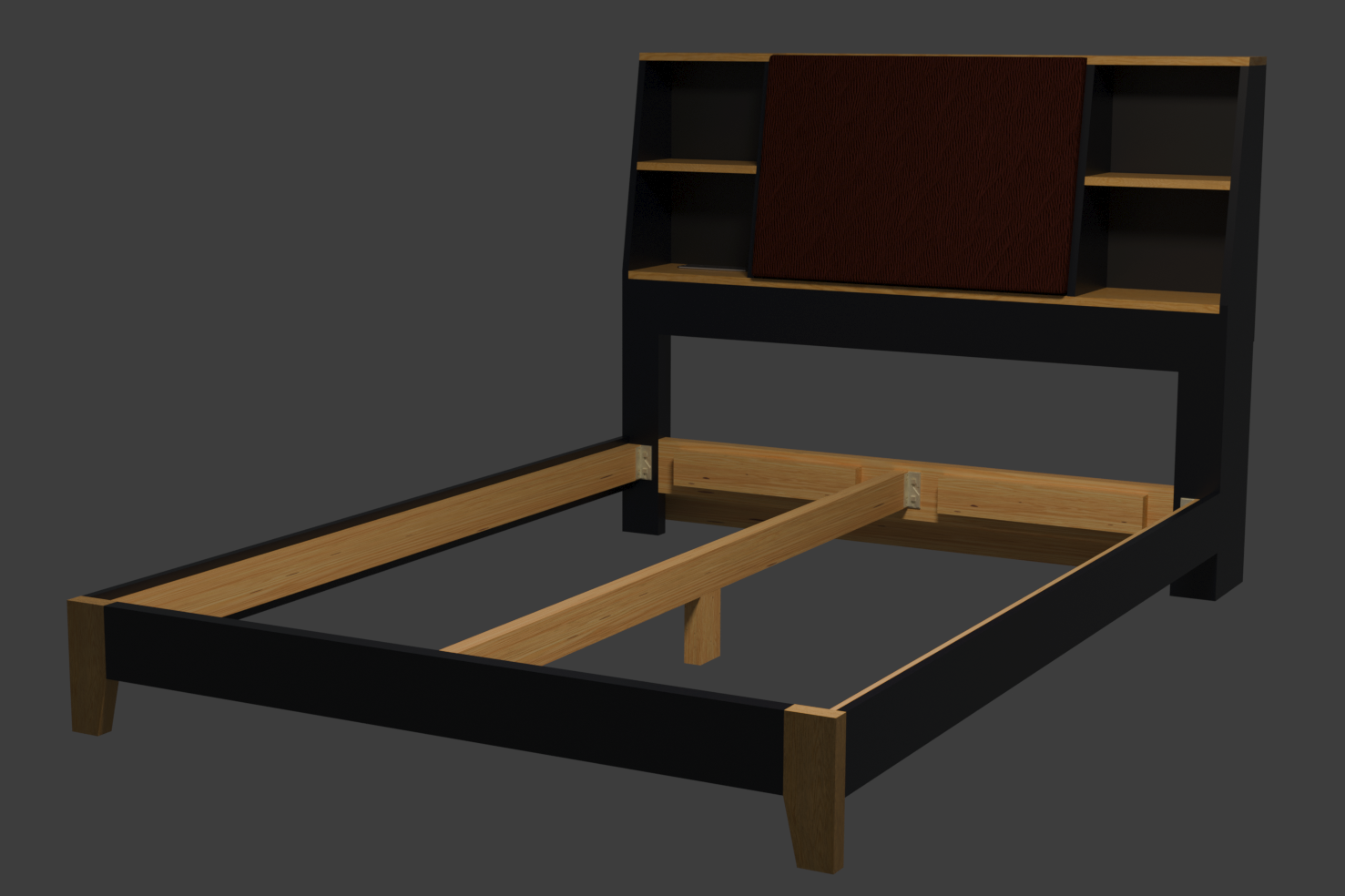
I searched for a bed like this but didn’t find anything I liked that was well-built and affordable. So, I’m building this one out of solid wood for about $450. (Except I had to buy a new miter saw, because my old one was stolen out of my garage about two years ago, so that was another $250.)
Edit:
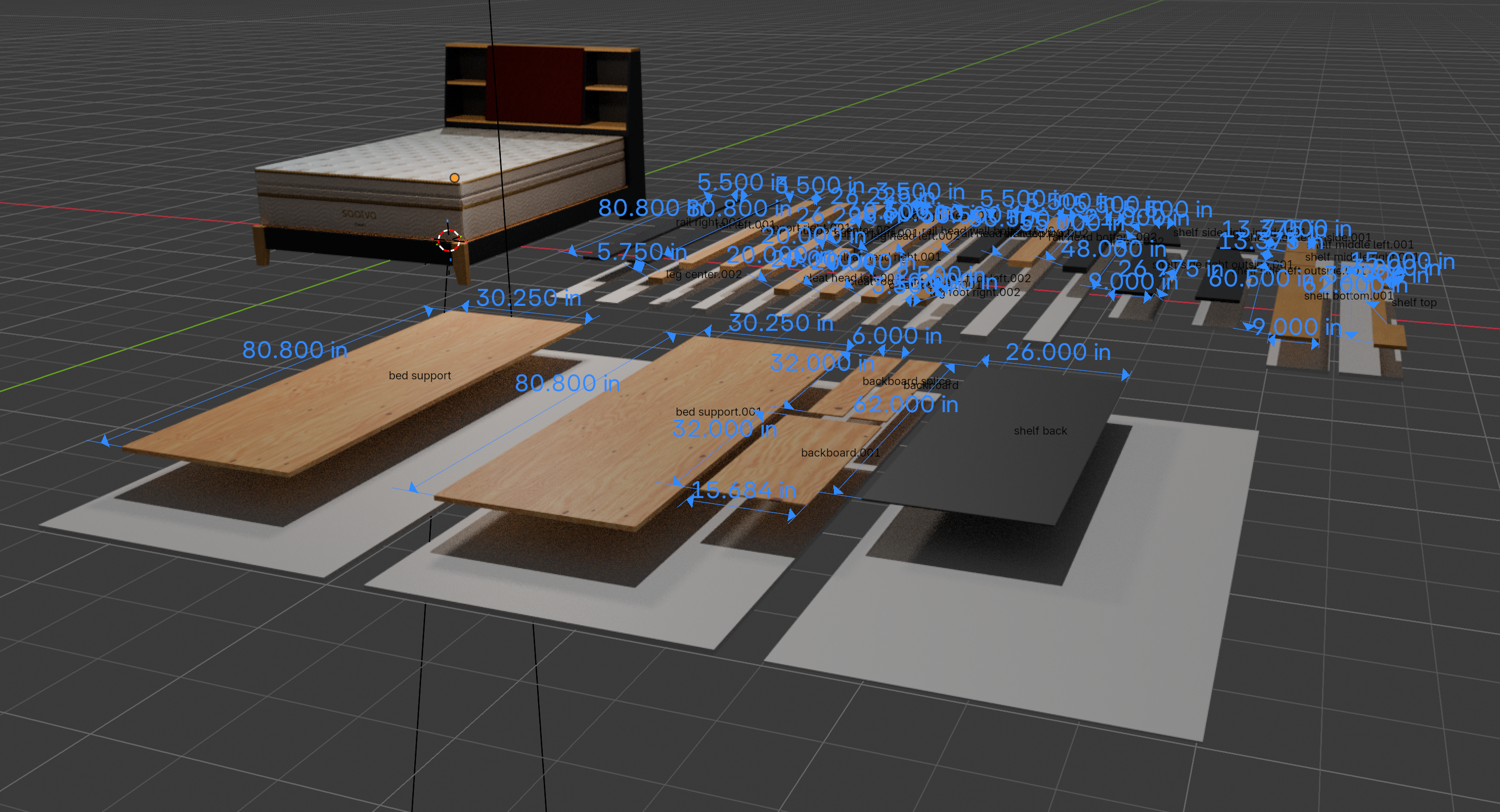
You’ll need the Measure It addon installed and enabled to see the dimensions. The gray boards are the blank stock pieces I bought. It’s in inches, because I’m a stupid American.
Here’s a screenshot of the blender file:
Edit 2:
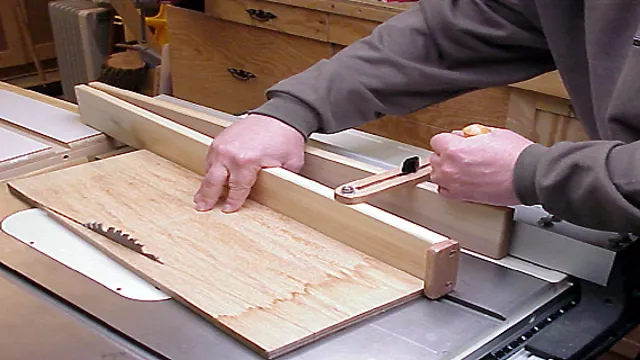
I have most of the pieces cut to size. I’ve already made a small mistake, but it wouldn’t be my project if I didn’t. Nothing a little wood filler won’t fix. The side walls of the headboard with the angles I’ll need to cut with my circular saw. Or, maybe I could do it like this. I’m not sure my table saw is big enough. (Also, it was either woodworker or piano player for this guy, I think he made the right choice.)
Edit 3:
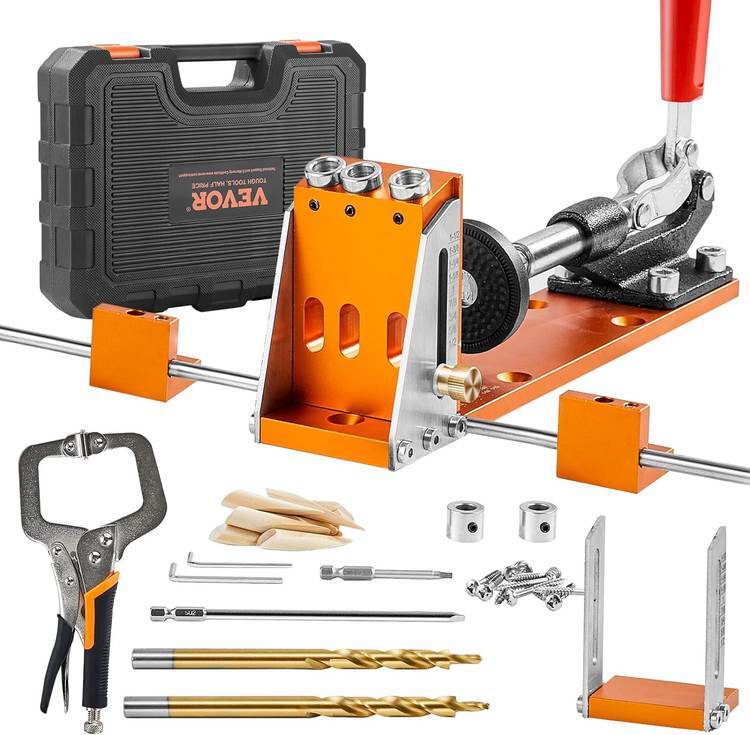
I’m stuck waiting for the Vevor pocket hole jig I ordered, and the bed rail hardware. I didn’t get the Kreg, because it’s plastic and more expensive than the more versatile Vevor jig.
I hope I’m the wrongest I’ve ever been.
It’s a very cool design! Did you use some kind of a plugin or panel to do woodworking measurements in blender? I never used it for cad in any serious way.
I use the Measure It addon. It adds dynamic dimensions between two vertices, just for visualization for the cut list.
For this simple bed, I just add a cube, enter the dimensions, and then rotate and snap each piece into place. Vertices, faces, and meshes can be selected and moved any arbitrary distance along any axis as needed to tweak the design.
I’ve used FreeCad and Fusion 360, but I don’t really need either for what I do, I’m comfortable in Blender as I’ve used it for ~15 years now.
Sorry to barge into the chain, but does it add fractional measurements? Its one of the things I miss most about using 3dsmax. Its not the worst, but i do hate converting decimals to fractions on the tape measure when measuring lumber.
You can use your cheap piece of shit $2 calipers to convert d>f and vice versa. Just dial your measurement and push the button till it becomes the measurement you want.
Or you can use a tape measure with tenths (decimal) on one side of the first foot or so and use that side to find your near fraction so you can mark over or under it.
This is a good tip, but now I have to find 51/64ths on my tape measure. LOL.
Get a load of this guy, doesn’t even have a vernier tape measure!
No, just decimal, I think. I’ll check.
Nope, just decimal.
I used to have down to 1/16" in decimal memorized. Got me within 1/32, which was enough. I only have 1/8" decimal still memorized, I don’t need it as much as I used to.
Ever used one of the sheet goods addons for a cad package? There’s an ominous zcode router in my near to middlin future…